200 recipes in a flat list. Nobody finds anything.
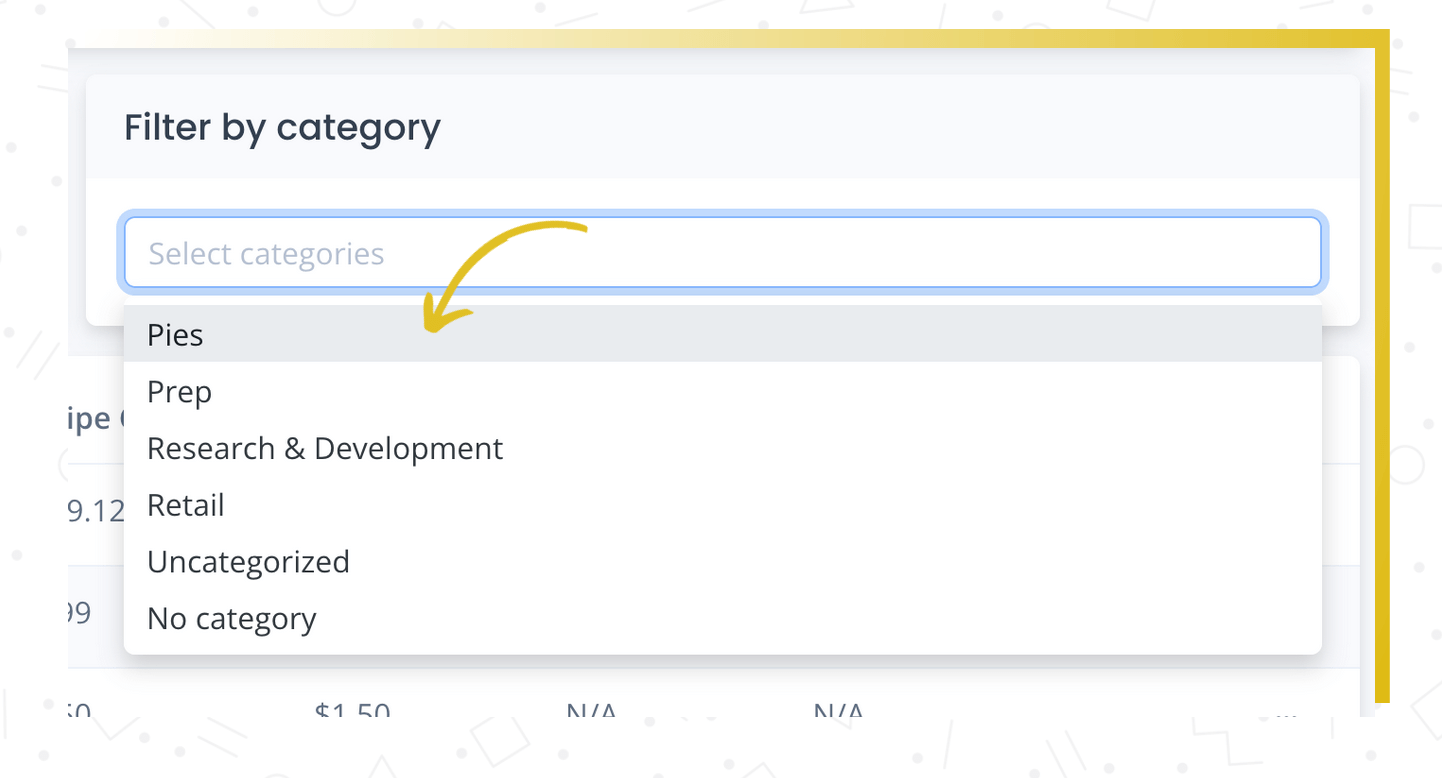
Organize recipes by type, menu, or production line. Filter, sort, and find what you need in seconds.
Your team wastes time searching every single shift
Your recipe list keeps growing. Finding the right one means scrolling, searching, and hoping the name is right. New team members can't find anything without asking.
- Scrolling through hundreds of recipes every time
- No way to group by menu, type, or production line
- New team members can't navigate without help
Categories turn a long list into an organized, filterable library.
As your recipe list grows, categories keep things manageable. Group recipes by type (appetizers, mains, desserts), by menu (lunch, dinner, catering), by production line — whatever works for your operation.
Categories make it easy to find what you're looking for, filter your recipe list, and organize exports and reports. Simple but essential once you have more than a handful of recipes.
What you get
Your organization, your way
Group recipes by type, menu, production line, or any structure that fits your operation.
Filter and find fast
Find what you need in seconds, not minutes.
Self-explanatory for new staff
New team members navigate recipes without memorizing names.
How it works
Create your categories
Set up categories that match your operation — appetizers, mains, desserts, catering, prep items.
Assign recipes
Put each recipe in one or more categories as you create or edit them.
Filter and work
Use category filters to quickly find recipes or generate reports by category.
Why this matters
Find any recipe in seconds.
Good organization saves time every day. Categories keep your recipe list clean and make it easy for your whole team to find what they need without scrolling through hundreds of entries.
Frequently asked questions
Organize your recipes your way
Categories keep your recipe list clean and your team productive.