A recipe without a photo = a different dish every shift
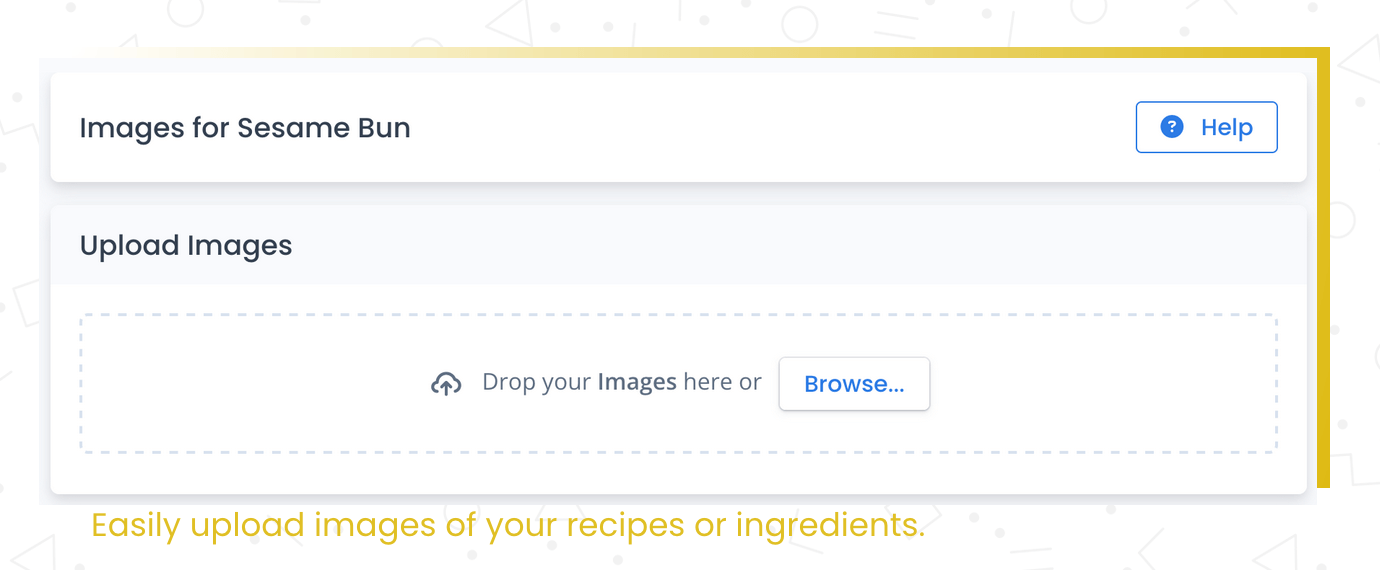
Upload photos of the finished dish, plating steps, or packaging. They show up on recipe pages, prep sheets, and PDF exports.
Without a visual target, your team interprets every recipe differently
Your line cook reads the recipe but has never seen the finished dish. The plating is wrong. The portion looks different. A photo would have prevented it.
- New staff don't know what the finished product looks like
- Inconsistent plating and presentation across shifts
- Prep sheets and binders lack visual reference
Add photos to your recipes. Your team knows what they're aiming for.
A picture of the finished dish helps your team know what they're aiming for. Recipe Cost Calculator lets you upload images for each recipe — the plated dish, a step in the process, or the packaging for a finished product.
Images show up on the recipe page, in prep sheets, and in PDF exports. They make your recipe documentation more useful and your recipe book more professional.
What you get
Visual reference
Upload photos of the finished dish, plating, or packaging.
Included in exports
Images appear on printed prep sheets and PDF exports automatically.
Better training
New hires learn faster with visual reference. Consistency improves.
How it works
Upload images
Add photos to any recipe — finished dish, steps, packaging.
See them on recipe pages
Images appear on the recipe page for quick reference.
Print them on prep sheets
Photos are included in PDF exports and printed prep sheets.
Why this matters
Visual reference for every dish.
Recipe images help with training, consistency, and presentation. When your team can see what the finished product should look like, they're more likely to get it right.
Frequently asked questions
Show your team what right looks like
Recipe images improve consistency and reduce rework across your operation.