Numbers in the wrong format slow you down
Set your currency symbol, position, decimals, and separators once. Every price, cost, and report displays exactly how you expect.
Wrong format = friction on every single screen
If you read prices as '1.234,56' and the system shows '$1,234.56', every number requires a mental conversion. Reports shared with local partners look unprofessional.
- Currency format doesn't match how you read prices
- Exports look wrong for local partners and clients
- Mental conversion overhead on every number, every screen
Set it once. Every number in the system looks right.
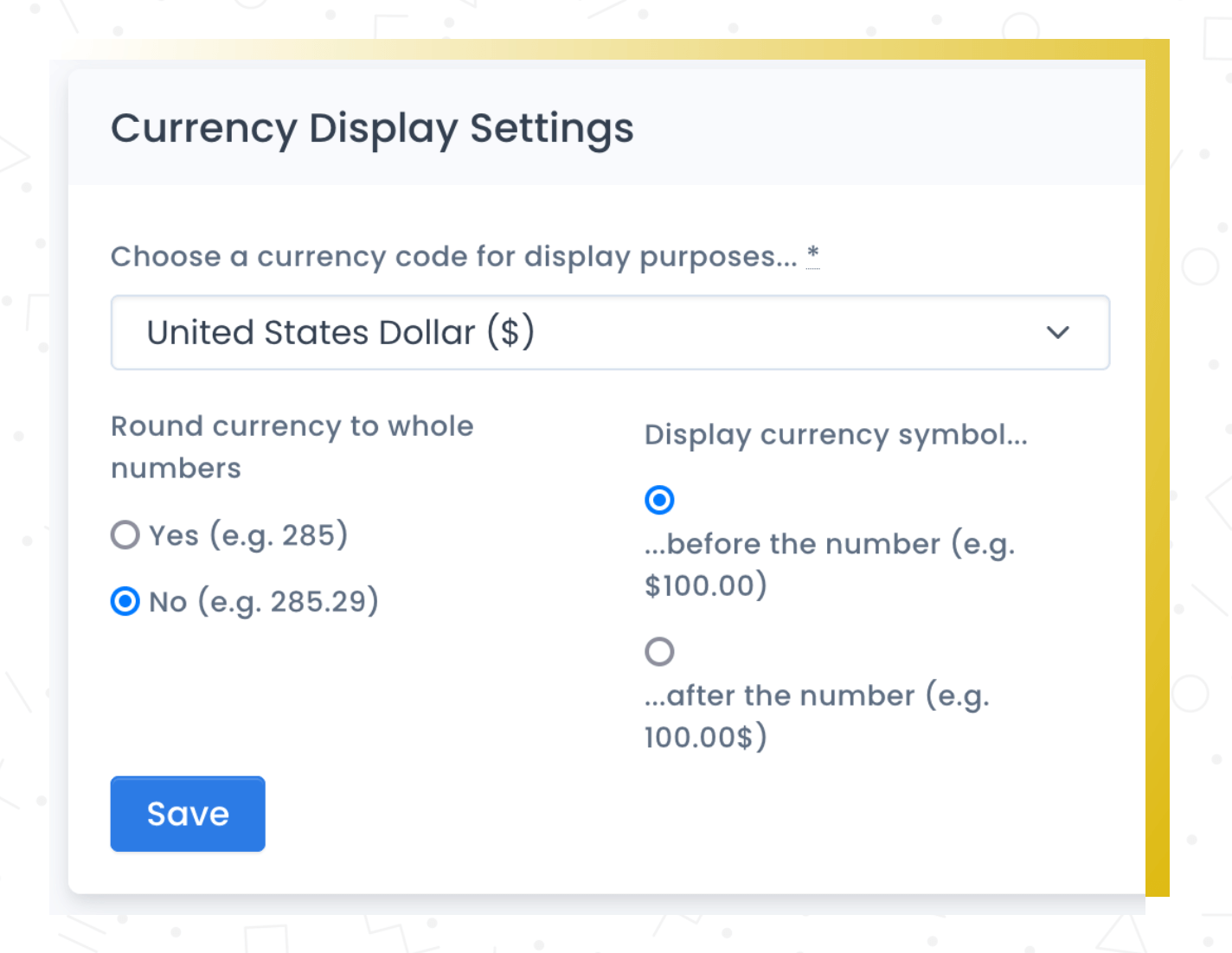
Not everyone uses dollars, and not everyone formats numbers the same way. Recipe Cost Calculator lets you set your currency symbol, its position (before or after the number), the number of decimal places, and whether you use commas or periods as separators.
Set it once in your account settings and every price, cost, and total throughout the system displays in your format. It's a small thing that makes a big difference if you're not in the US.
What you get
Works worldwide
Used in 50+ countries. Set any currency symbol, position, and number format.
Set once, done forever
Configure your format in settings. Every screen, report, and export uses it.
Professional exports
PDFs, Excel exports, and printed documents all use your format automatically.
How it works
Go to settings
Open your account settings and find the currency configuration.
Set your format
Choose your currency symbol, its position, decimal places, and separator style.
Everything updates
Every price across the entire system displays in your format.
Why this matters
Your currency, your format.
Currency formatting that matches how you actually read and write prices makes the whole system feel natural. No mental conversion, no confusion — just numbers that look right.
Frequently asked questions
Set your currency format in 30 seconds
Used in 50+ countries. Your numbers will look right from day one.