Wrong total weight on a label = a compliance problem
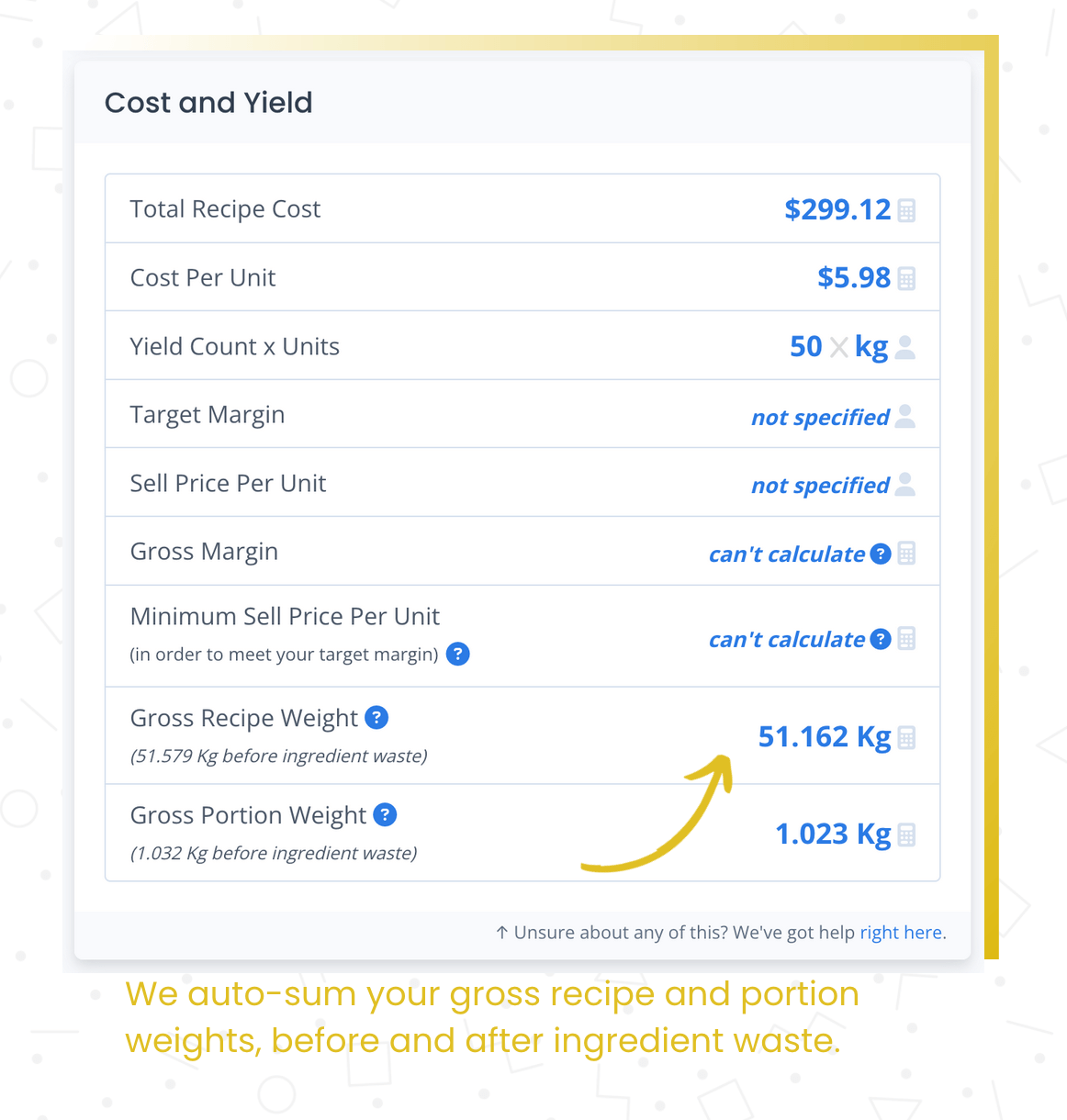
The system automatically sums ingredient weights. Essential for nutrition labels, per-unit pricing, and packaging compliance.
Manual weight totals are tedious and error-prone
For packaged food, you need total weight on the label. Manually summing ingredient weights — and updating when anything changes — is one more place for errors that affect compliance.
- Manually calculating total recipe weight for labels
- Forgetting to update when ingredients change
- Errors affect nutrition labels and packaging compliance
Automatic weight calculation means one less thing to track manually.
For packaged food producers and manufacturers, knowing the total weight of a recipe is essential — it goes on the label, it affects pricing, and it matters for compliance. Recipe Cost Calculator automatically sums the gross weight of all ingredients in a recipe.
As you add or change ingredients, the total weight updates. This feeds into nutrition label generation, per-unit costing, and production planning. One less thing to calculate manually.
What you get
Automatic calculation
Total weight calculates from ingredient quantities. Always up to date.
Updates with changes
Change an ingredient and total weight recalculates instantly.
Label-ready
Accurate total weight for nutrition labels and packaging compliance.
How it works
Build your recipe
Add ingredients with quantities in weight-based units.
Weight calculates automatically
The system sums all ingredient weights for the total.
Use for labels and pricing
Calculated weight feeds into nutrition labels and per-unit pricing.
Why this matters
Total weight, always current.
When total recipe weight calculates automatically from ingredient quantities, it's always right — and it updates when you change anything. Especially handy for nutrition labels and per-unit pricing where the weight needs to be accurate.
Frequently asked questions
One less thing to calculate manually
Total recipe weight, always correct, always current.