One shared login = no accountability and no control
Individual logins with role-based permissions. Your chef sees recipes. Your purchaser sees inventory. Your bookkeeper sees reports.
Shared logins are a security and accountability gap
Everyone can see and change everything. Your prep cook sees recipe costs. Your temp can delete recipes. There's no audit trail. No accountability.
- Shared logins mean nobody is accountable
- Everyone can see and change everything — including costs
- No way to give partial access to specific roles
Individual logins with role-based permissions. Everyone gets exactly what they need.
As your team grows, different people need different levels of access. Your head chef might need full recipe access. Your purchaser needs inventory and ordering. Your bookkeeper might only need cost reports.
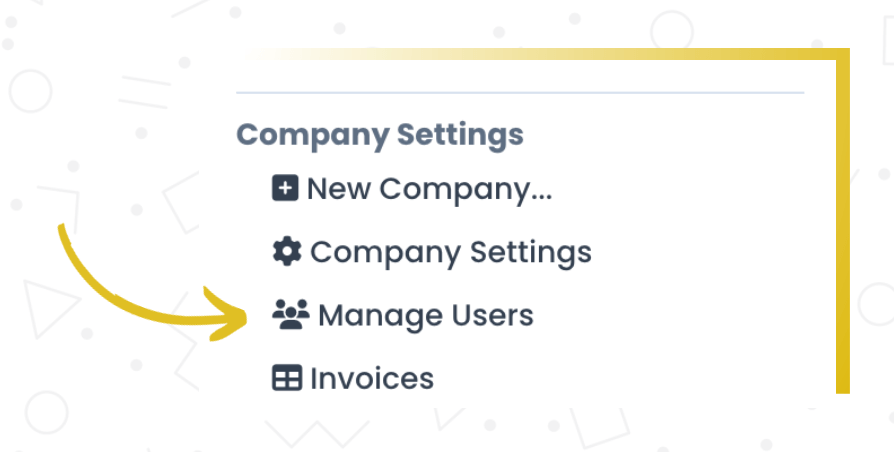
Recipe Cost Calculator supports multiple users with role-based permissions. You control who can see what, who can edit what, and who has access to sensitive cost data. Add or remove users as your team changes.
What you get
Role-based access
Define what each team member can see and do.
Multiple users
Add as many team members as your plan allows, each with their own login.
Accountability
Track who changed what. No more mystery edits.
How it works
Invite team members
Add users by email and assign a role matching their responsibilities.
Set permissions
Each role defines what the user can see and do.
Everyone works in one system
Your team logs in with their own credentials and sees exactly what they need.
Why this matters
The right access for each person.
Role-based access means your team can use the system without you worrying about someone accidentally changing recipe costs or seeing pricing data they shouldn't. Everyone gets what they need, nothing more.
Frequently asked questions
Get your team on the same system
Role-based access keeps everyone productive and your data secure.